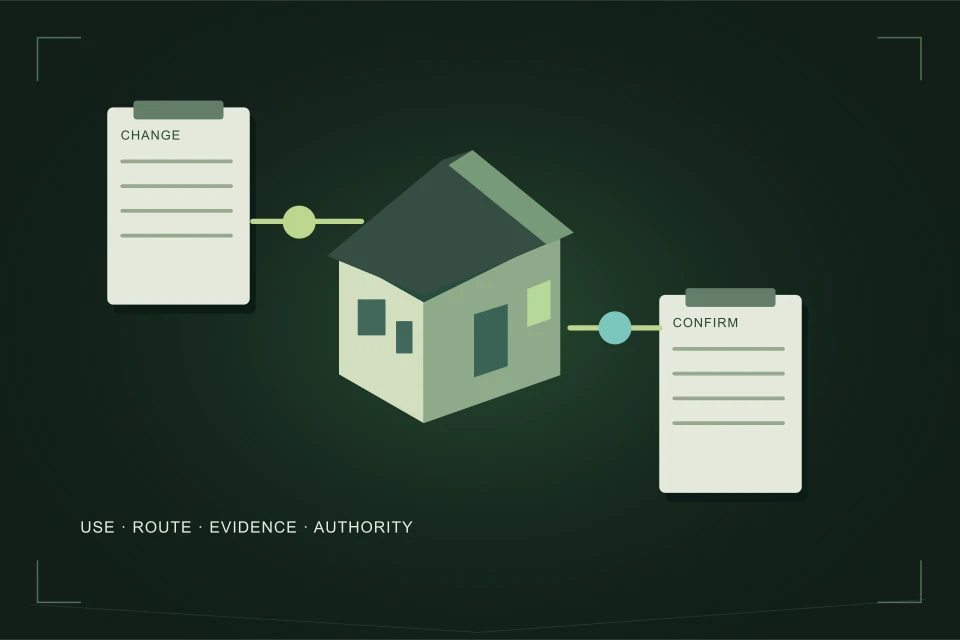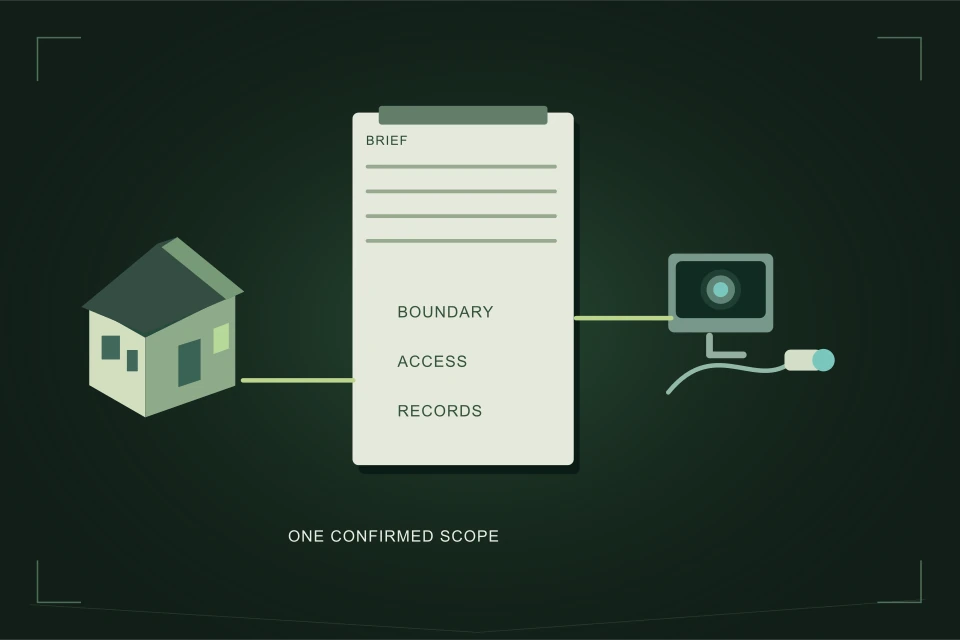
The Connection Planning Brief organizes six supplied choices into project questions and contractor-ready text. It identifies information still needed and the boundaries to clarify. It does not design a connection, calculate capacity, issue an approval or estimate price. The request link only pre-fills a form; you review and consent separately before sending.
- Six choices capture project type, building, public work, records, footage and locates.
- Unknown remains a visible information gap rather than an assumed answer.
- Results are questions and supplied facts, not a risk score or approval.
- The request link pre-fills only; it neither sends nor checks consent.
Connection Planning Brief
01 /What problem does this tool solve?
It turns an initial “we need a sewer connection” enquiry into a more useful outline. Owners often know the property change but not which existing records or service questions matter. The tool keeps those supplied choices together and highlights gaps so a contractor or project professional can understand the starting point without treating missing information as measured evidence.
It is particularly useful before an infill, retained-house renovation, suite, subdivision or demolition handoff. It does not replace an incident response. If sewage is backing up or another dangerous condition is present, follow Calgary’s relevant safety guidance and contact 311 or the appropriate emergency service. Planning selections cannot determine that a site is safe or that ordinary drainage use may resume.
02 /Which six choices do you enter?
| Choice | Available answers | Purpose |
|---|---|---|
| Project | Infill, renovation, suite, subdivision, demolition, unknown | Organize the proposed change |
| Building | Single, semi-detached, multi-unit, commercial, unknown | Frame applicability questions |
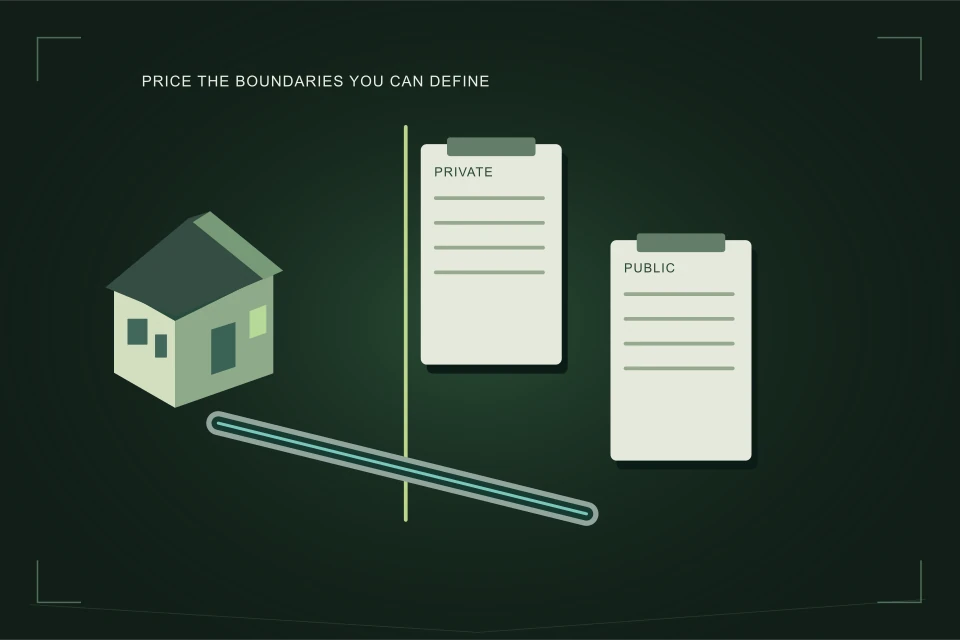
| Public work | Yes, no, unknown | Identify scope-boundary uncertainty |
| Records | Current, partial, none, unknown | State available project information |
| Footage | Recorded, limited, none, unknown | Identify condition-evidence gaps |
| Locates | Complete, private missing, not started, unknown | Separate reported locate readiness |
Choose an answer only when it matches what you know. “Current records” should refer to the actual project documents you can supply; the tool does not read or authenticate them. “Recorded footage” describes a recording you report as available, not a claim that the entire connection passed an inspection. “Complete locates” is a supplied status, not a website-issued excavation clearance.
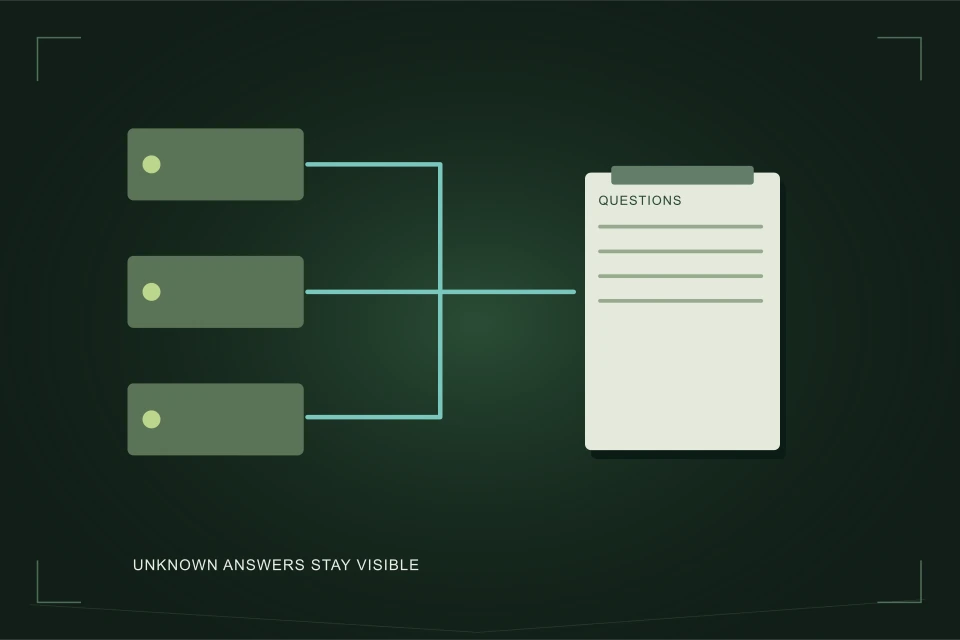
Unknown is useful. If the proposed building form is undecided or possible public work has not been confirmed, leave that uncertainty visible. A contractor can ask for the right information rather than receiving an apparently complete brief based on guesses. You can edit the generated text to describe the evidence more precisely before using it.
03 /What does the result contain?
It contains questions related to the selected project, records still needed, scope-boundary questions and a contractor-ready text brief. Read the result as a starting enquiry. It helps distinguish what you report from what another party must confirm. It does not rank a property as safe or unsafe, select a contractor or decide whether a lateral can be retained.
Quick Trench, where relevant, is presented only as a possible arrangement for qualifying new single or semi-detached projects with a qualified contractor and City confirmation. Other building types need their applicable permit or site-servicing questions. The tool cannot establish eligibility merely from a drop-down choice or substitute for the actual project review.
The public-work answer controls which boundary questions are raised; it does not decide ownership from a selected yes or no. If field evidence later changes that answer, update the brief. The same principle applies to footage and records: supplied status remains distinct from the scope and findings of the underlying evidence.
04 /How should you use the contractor-ready text?
Review it alongside the current plan and evidence index. Add the civic address and relevant document references when you choose to contact a provider. Identify what stage of help you want: investigation, scope development or a construction quote from completed information. Remove any wording that no longer reflects the project and keep unresolved questions visible.
When comparing providers, send each the same current description. The text should not become a technical instruction to install a particular pipe, alter another property’s connection or bypass an inspection. Ask the recipient to identify the additional evidence and applicable approvals needed, then provide a written scope with clear inclusions, exclusions and handoffs.
Use the contractor connection brief guide for a detailed evidence index and scope comparison to compare returned proposals. The planner contains no market-price average or formula for unmeasured depth, length or capacity. It is an information organizer rather than a design calculator.
05 /What happens when you add the brief to a request?
The link pre-fills the quote-request form with the prepared text. It does not submit the form, supply contact details or agree to consent. Read the brief and the actual form before deciding to send. You can change the text to add context or remove information that is unnecessary for the initial enquiry.
Sending a request is also different from booking work. A provider still needs to discuss scope, access, scheduling and any investigation or approval dependencies. A displayed brief does not confirm that someone will attend, that a permit has been issued or that the City accepted the proposed connection. Keep those later confirmations in the project record.
If the project changes, prepare a revised brief and identify the current plan when communicating with a recipient. The usefulness comes from accurate supplied information and clear questions. Save the version you actually sent so a later proposal can be assessed against the same description rather than a memory of earlier selections.
FAQQuestions people ask
Does the tool calculate pipe capacity?
No. It produces project questions and a text brief from supplied choices. Physical design and capacity need a qualified project-specific assessment.
What if I do not know an answer?
Choose unknown. The result identifies that information gap instead of silently replacing it with a favourable assumption.
Does “complete locates” let me dig?
No. It is a status you supply. The relevant contractor must review complete, applicable facility information and all other requirements for the actual excavation.
Does Add brief to request send or consent?
No. It only pre-fills a form. You separately review the text, provide contact details, decide on consent and submit when ready.
NETWORKGo deeper across the HAUSE Sewer network
Should you scope the sewer before buying a house?
When a sewer scope before buying a house is worth it, which homes need one most, how to fit it inside a condition period, and what to do with the result.
SewerRoots.caRoot Risk Calculator
Root Risk Calculator: enter tree species, distance to the sewer line, pipe material, age and root history to get a risk band, the reasons and next steps.
SewerJetting.caJet or auger? A decision tool for your blocked line
Jet or auger decision tool: enter blockage type, pipe material, camera findings, pipe size and access to see whether to jet, auger or camera first.